12 Brilliant Office Table Design Ideas That Boost Focus
Most people set up an office table design once and then live with it, even when it slowly starts to feel uncomfortable or distracting. I used to think the problem was my routine, but it turned out the setup itself was working against me. Small layout and styling issues can quietly break your focus without you noticing at first.
In real homes, the difference between a frustrating workspace and a smooth one is often subtle. It comes down to how the table feels when you sit down, how your eyes move across it, and how easily everything flows. Once those details are right, work starts to feel lighter and more natural.
Office table design works best when layout, lighting, and styling create a space that feels calm, functional, and visually balanced.
Why Office Table Design Shapes How You Work Every Day
A good office table design does more than hold your laptop or documents. It influences how your mind processes tasks, how long you stay focused, and how comfortable your body feels after hours of work. When the setup is right, everything feels aligned without effort.
One thing I have noticed over time is that clutter and poor positioning do not just look messy, they create mental resistance. You hesitate more, shift around more, and lose your rhythm faster. Fixing the table design often solves problems people assume are about discipline or productivity.
Office Table Design Ideas That Feel Intentional and Visually Balanced
Office Table Design With a Centered Focal Layout That Instantly Feels Balanced
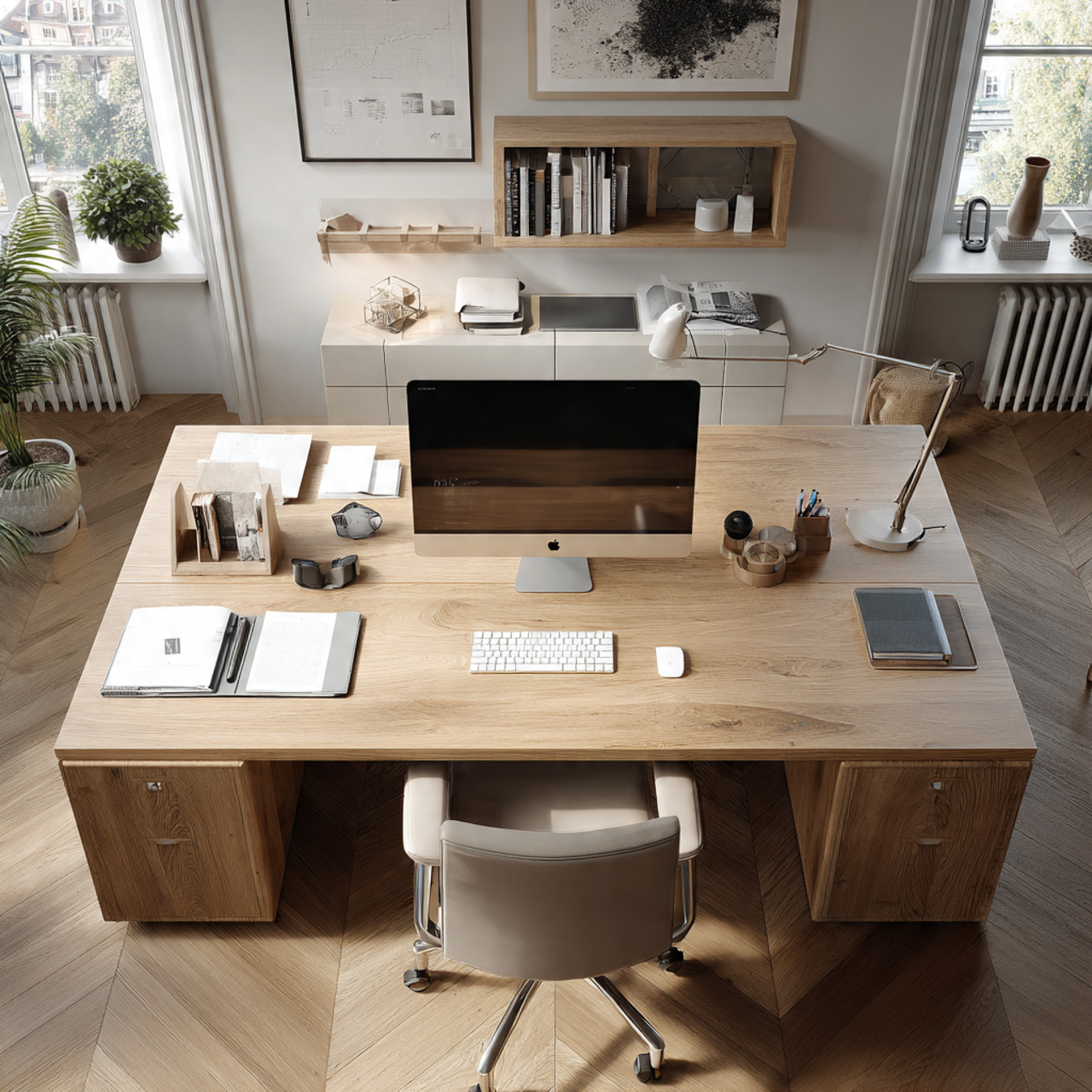
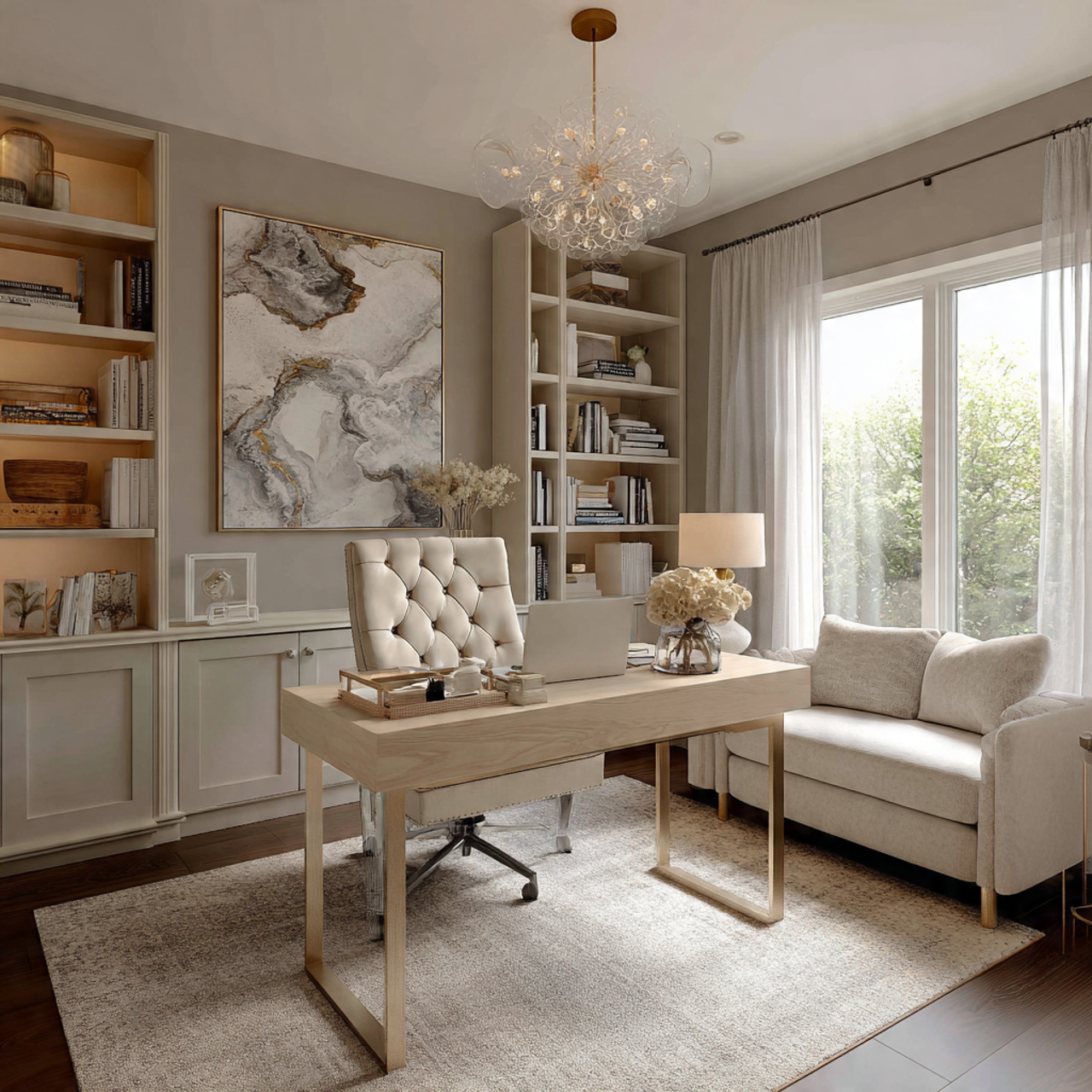
You walk into the room and your eyes land exactly where they should. The table sits aligned with a central anchor like a window frame or a statement wall, with everything arranged evenly on both sides. It feels calm without trying too hard.
This works because the brain naturally prefers balance. When your workspace is centered and visually grounded, your attention stops drifting and settles more quickly. In my experience, even small shifts toward alignment can make a space feel instantly more controlled.
To apply this, position your table so it aligns with a strong visual point in the room. Keep objects evenly distributed on both sides instead of clustering everything in one area. The goal is quiet symmetry, not forced perfection.
Tip: Align your chair, screen, and main focal point in one straight visual line.
Split Zone Office Table Design That Separates Work Tasks Without Adding Clutter
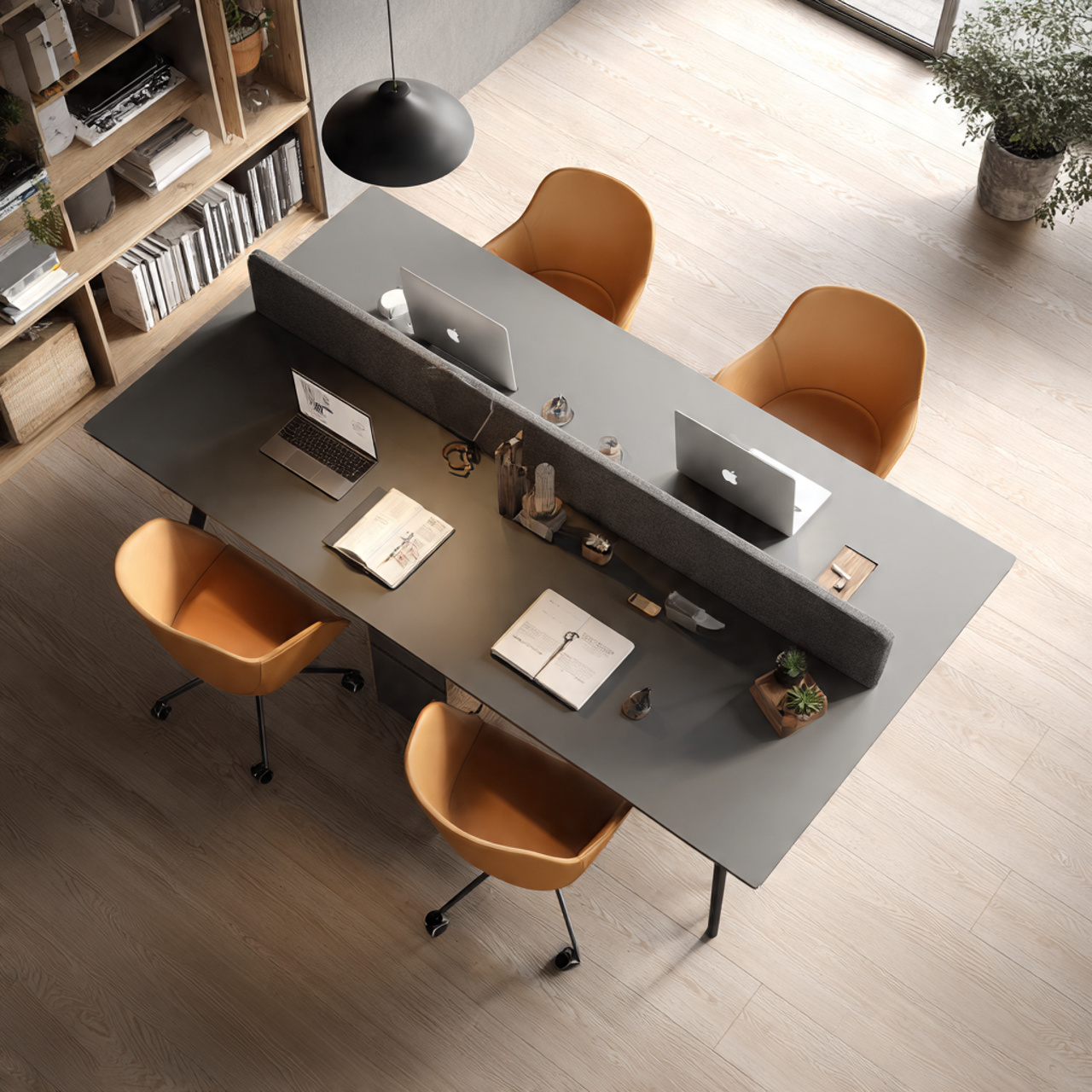
The table feels divided without using any physical barriers. One side holds your active work area while the other feels calmer, almost like a reset zone. You can sense where each task belongs the moment you sit down.
This approach works because it reduces mental switching fatigue. Instead of mixing everything together, your brain starts associating different parts of the table with different actions. I noticed this made multitasking feel less overwhelming and more structured.
You can create this by grouping items based on use rather than spreading them randomly. Keep your primary tools on one side and lighter, less active items on the other. Avoid adding extra storage and let placement do the work.
Tip: Keep one side visually lighter so your eyes have a place to rest.
Floating Surface Office Table Design That Makes Small Spaces Feel Open and Light
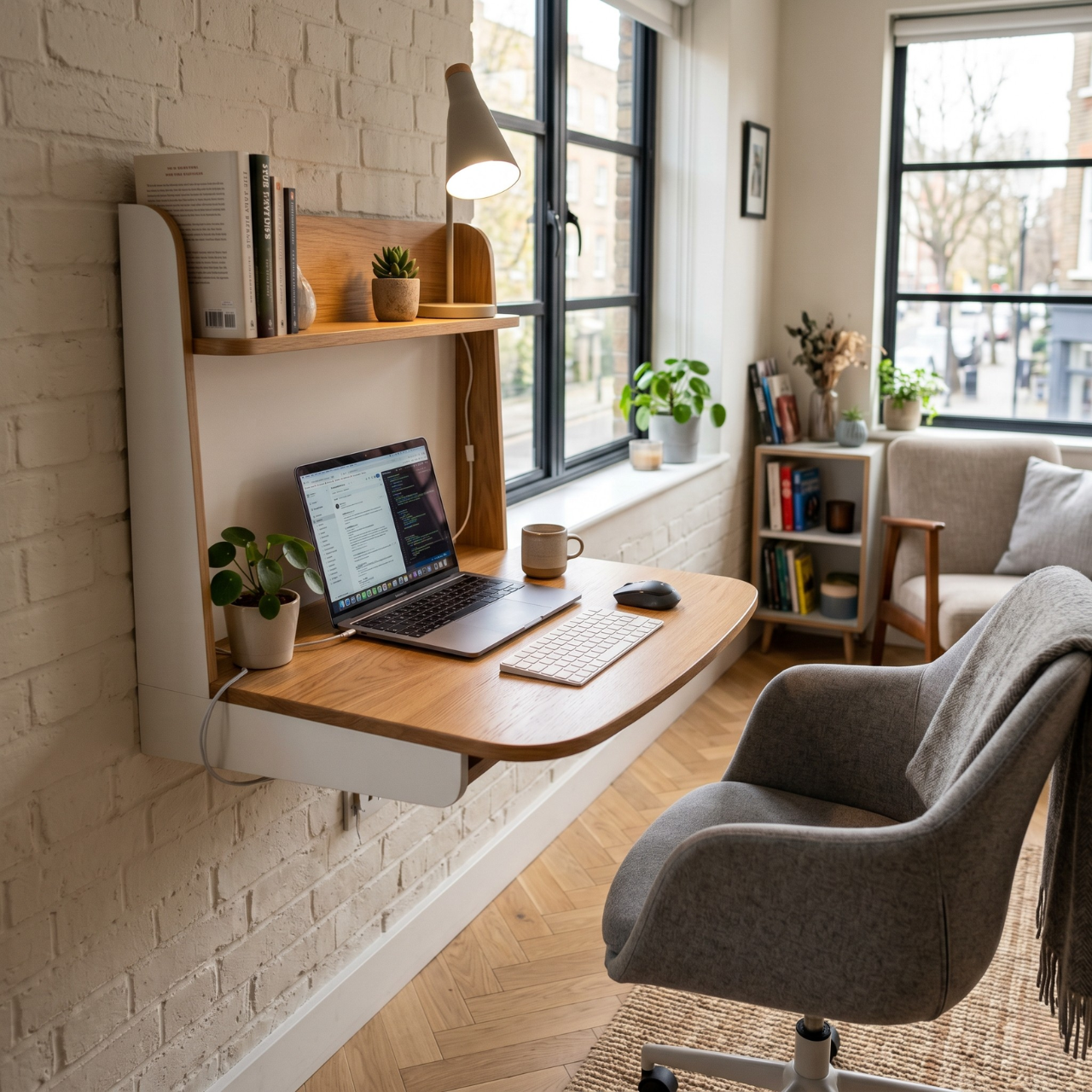
The table appears to almost hover, with clean space underneath and minimal visual interruption. Light moves freely around it, and the room feels bigger than it actually is. It gives the entire setup a breathable quality.
This works because reducing visual weight changes how space is perceived. When bulky elements disappear, the room feels less crowded even if nothing else changes. One thing I noticed is that open space around a table matters more than the table itself.
To recreate this, choose a slim surface with open legs or wall support. Keep the area beneath the table clear so the floor remains visible. Avoid heavy storage that closes off the space visually.
Tip: Leave at least part of the floor visible under the table to maintain openness.
Depth Layered Office Table Design That Creates a Professional Visual Hierarchy
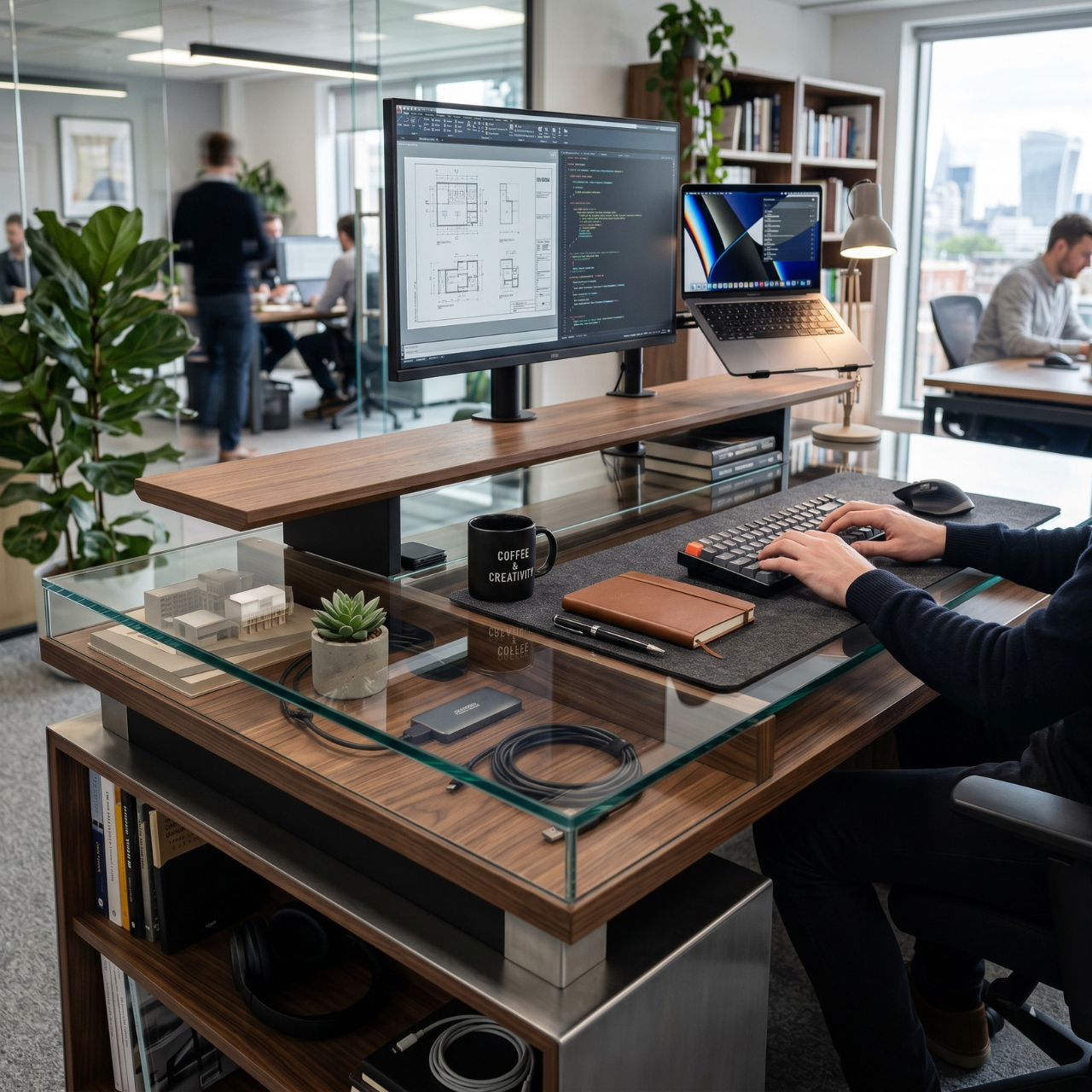
There is a subtle layering effect from front to back. The front stays clean, the middle holds your main tools, and the back introduces height with a raised element or object. It feels composed without looking staged.
This works because depth creates order. Your eyes move naturally across layers instead of getting stuck in a flat surface. In real setups, this often makes the space feel more intentional and less chaotic.
You can build this by keeping the front edge of the table clear. Place your main working items slightly behind, then add a vertical element like a stand or panel at the back. Each layer should feel distinct but connected.
Tip: Keep the front edge empty to instantly improve visual clarity.
Asymmetrical Office Table Design That Feels Designed Instead of Random
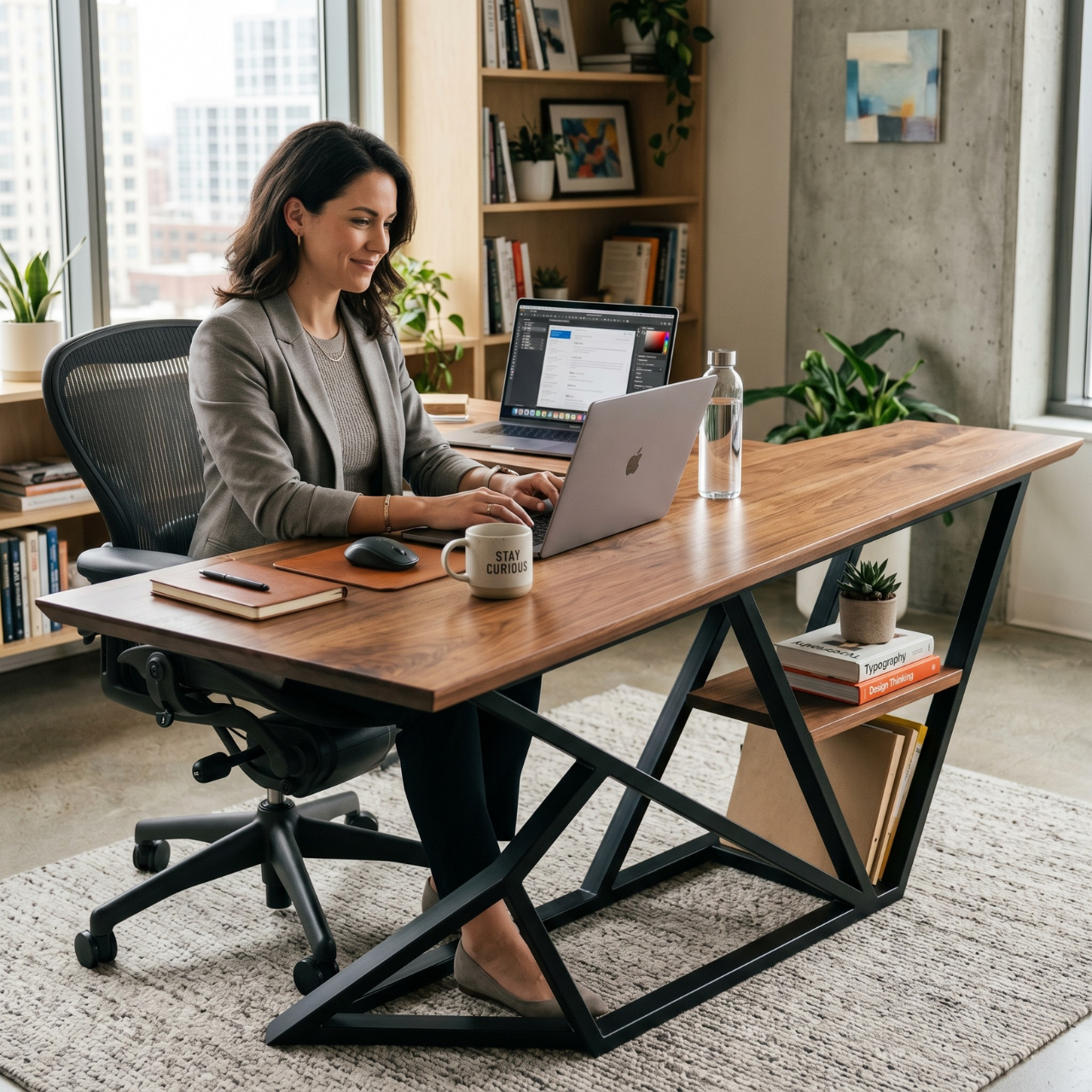
The layout leans slightly to one side, but it feels purposeful rather than messy. A heavier element on one side is balanced by lighter details on the other. It creates quiet movement across the table.
This works because controlled asymmetry feels more natural than perfect symmetry. I used to think everything had to be centered, but in real spaces, slight imbalance often feels more relaxed and lived in.
To apply this, place a stronger visual element like a lamp or stack on one side. Balance it with smaller or softer items on the opposite side. Avoid mirroring and focus on visual weight instead.
Tip: Balance heavy and light elements instead of trying to match both sides.
Low Visual Noise Office Table Design That Reduces Mental Fatigue
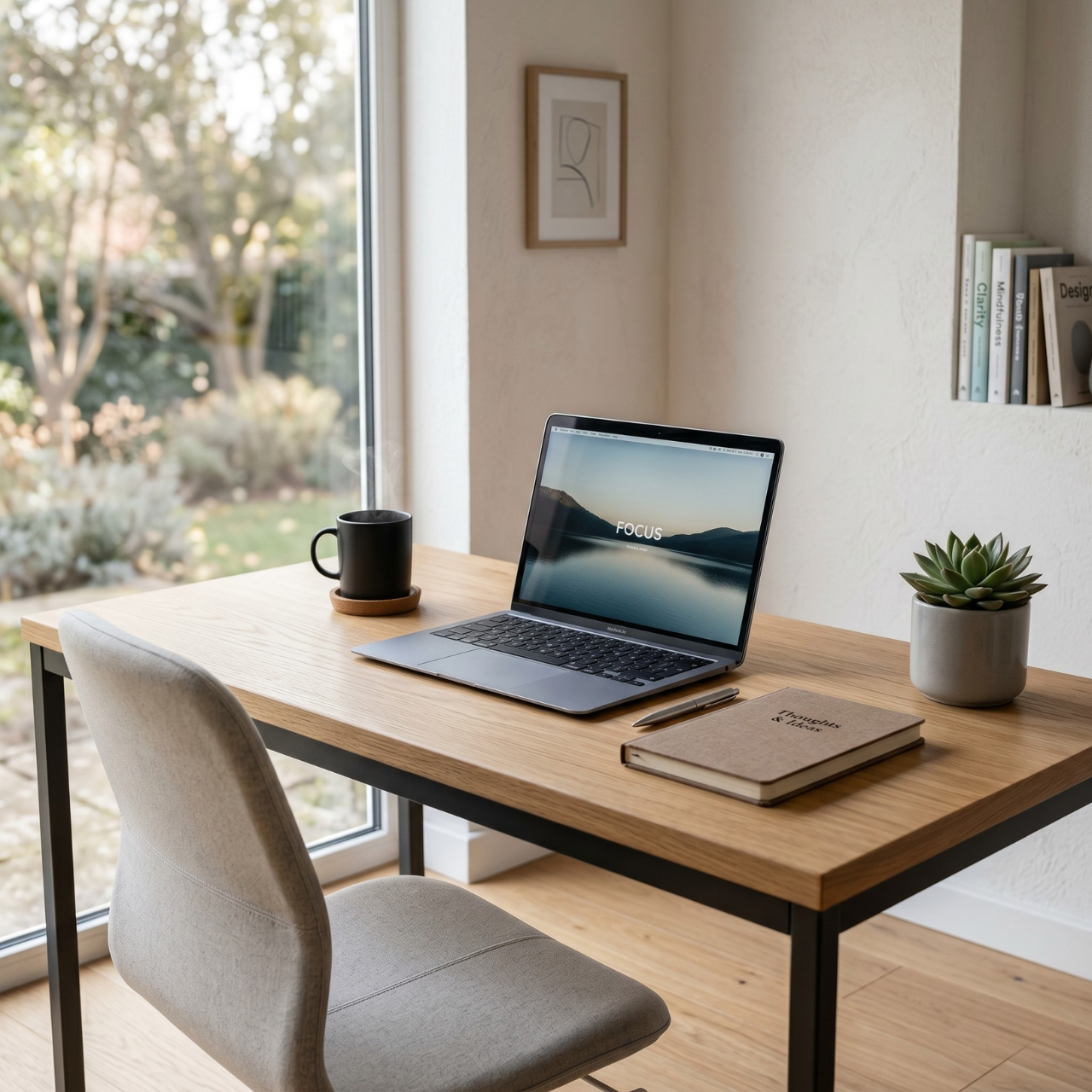
The surface feels calm the moment you look at it. Only a few essential items are visible, and everything else fades into the background. It creates a quiet kind of focus.
This works because too many visible elements compete for attention. Over time, this leads to subtle mental fatigue. After simplifying my own setup, I noticed I could concentrate longer without feeling drained.
To achieve this, reduce the number of visible objects rather than reorganizing them endlessly. Keep only what you actively use within sight. Let empty space become part of the design.
Tip: Remove one item from your table and notice how the space feels immediately lighter.
Corner Angled Office Table Design That Expands Movement and Flow
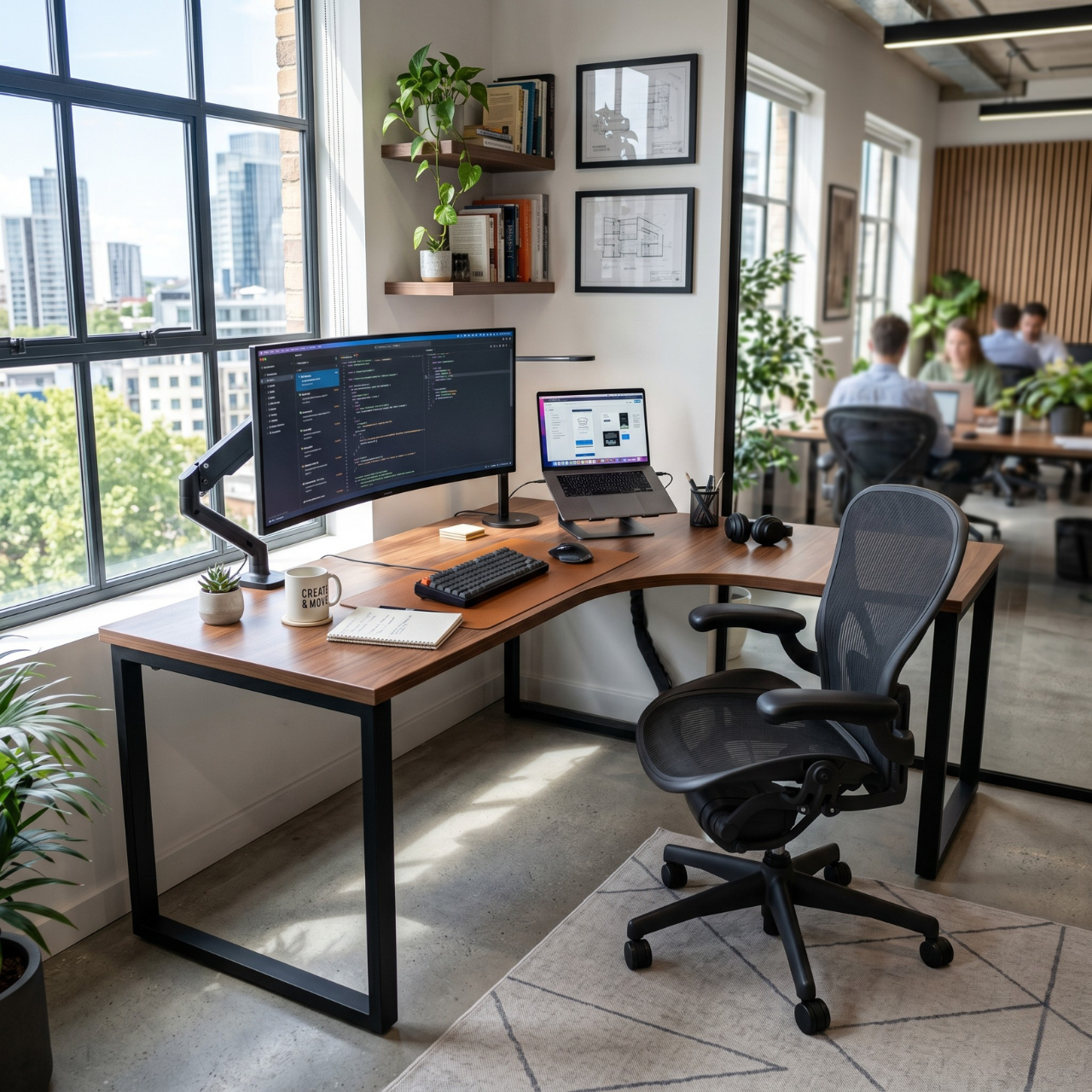
The table sits slightly angled instead of flat against a wall. It opens up the surrounding space and changes how you move around it. The setup feels more dynamic and less boxed in.
This works because angles break rigid layouts. They create better flow and make the room feel less static. In smaller rooms, this shift can make a surprising difference in how open the space feels.
To apply this, rotate your table slightly so it does not sit perfectly parallel to the wall. Allow some breathing space behind or beside it. This small adjustment can change the entire feel of the room.
Tip: Try a slight angle instead of a full reposition to test the effect.
Elevated Surface Office Table Design That Feels Light and Modern Without Bulk
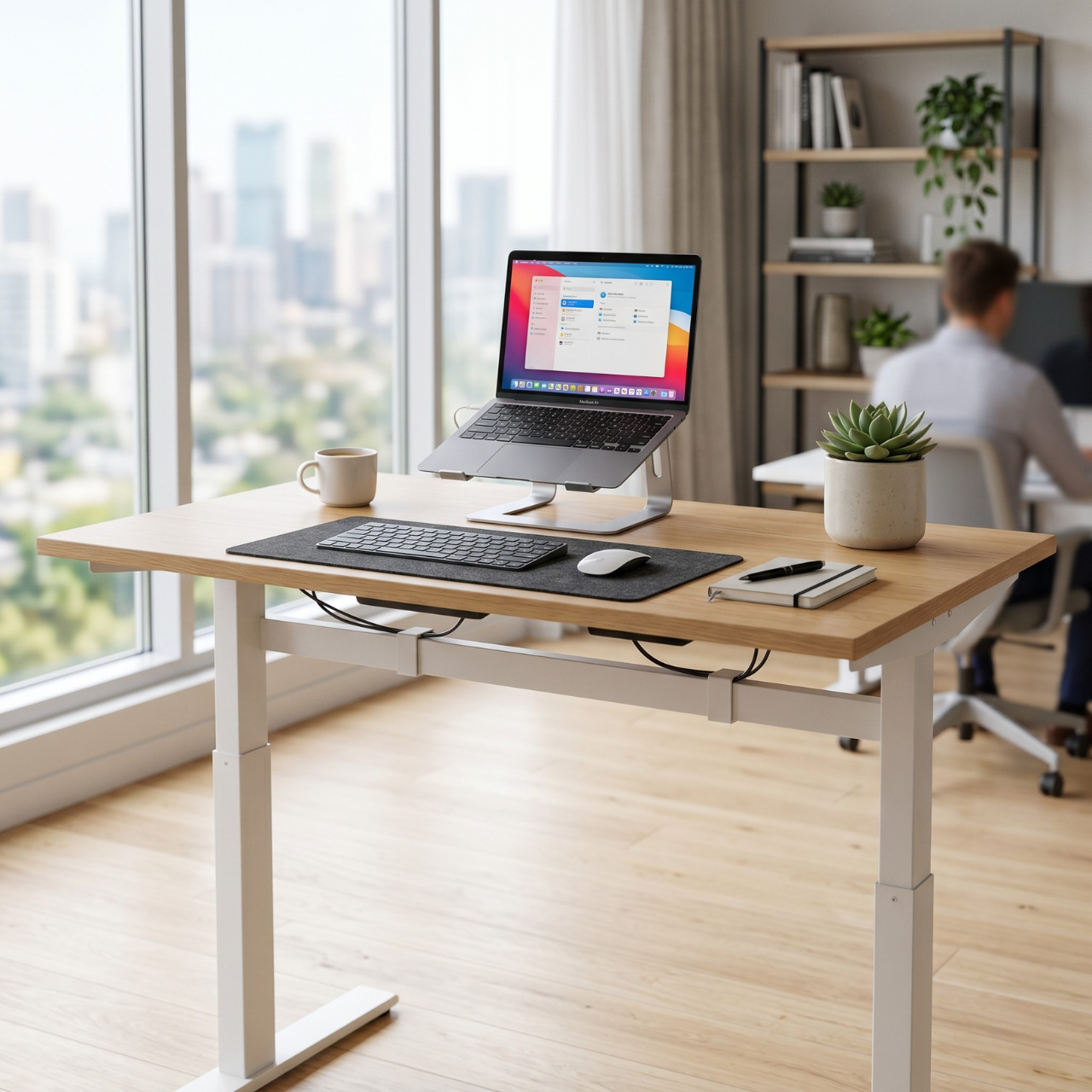
The tabletop appears slim and slightly lifted, giving it a refined look. It does not dominate the room, yet it still feels functional. The overall impression is light but complete.
This works because reducing thickness reduces visual heaviness. A bulky table can make even a large room feel crowded. I noticed that thinner surfaces often feel more modern and easier to work around.
To apply this, choose a table with a slim profile and minimal framing. Avoid thick edges or heavy bases. Keep the surrounding space equally light to maintain consistency.
Tip: Look for thinner edges rather than smaller sizes for a lighter feel.
Dual Purpose Office Table Design That Transitions Between Work and Lifestyle
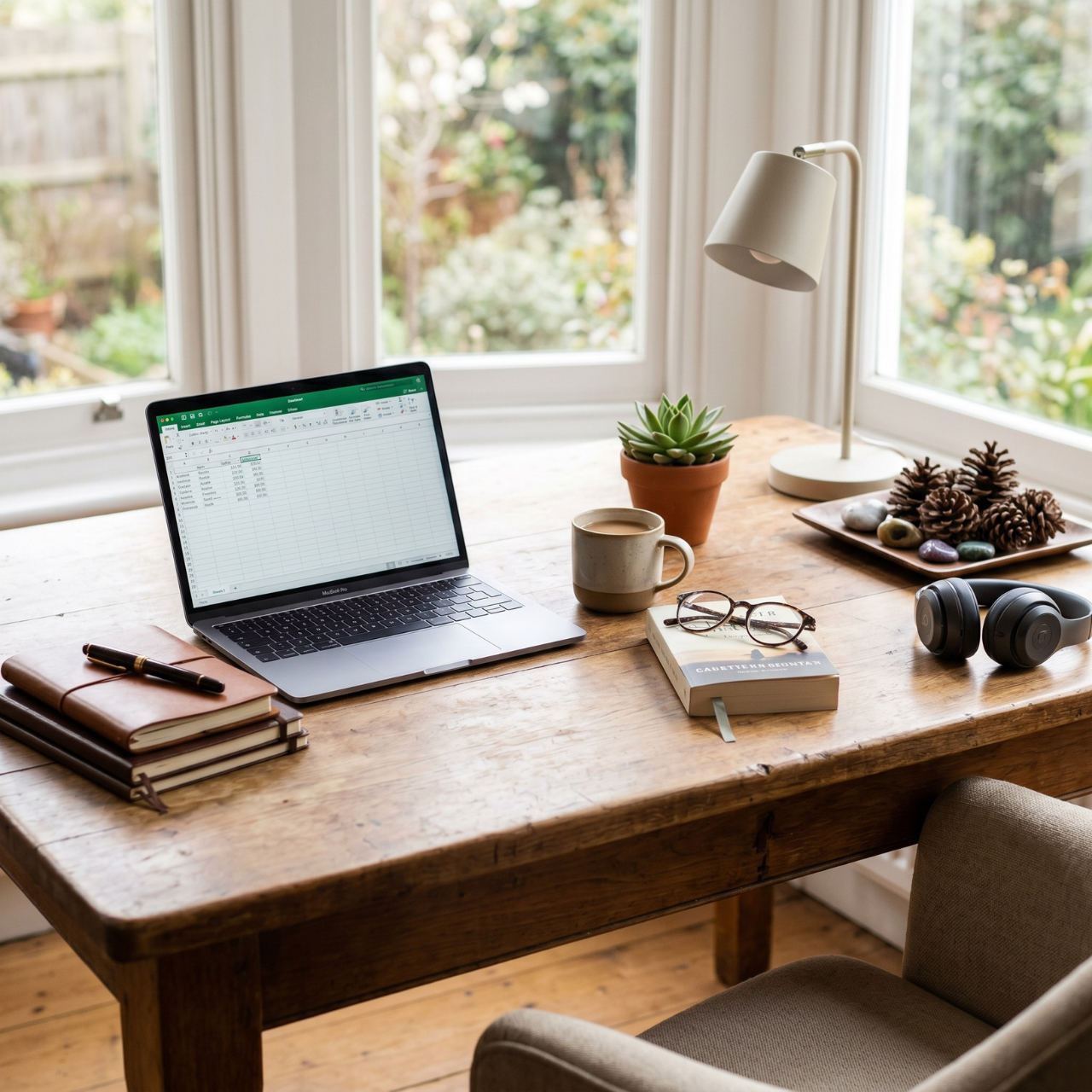
The table does not feel strictly like a work zone. It easily shifts between focused tasks and everyday moments like reading or planning. It feels integrated into your life instead of separated from it.
This works because rigid setups often feel exhausting over time. When a table supports multiple uses, it becomes more natural to spend time there. I found this especially helpful in shared or smaller spaces.
To apply this, avoid overly technical setups that limit flexibility. Keep the surface adaptable so it can support different activities. Let the table feel like part of the room, not just a workstation.
Tip: Leave part of the surface open so it can shift between uses easily.
Lighting Integrated Office Table Design That Changes the Mood of the Workspace

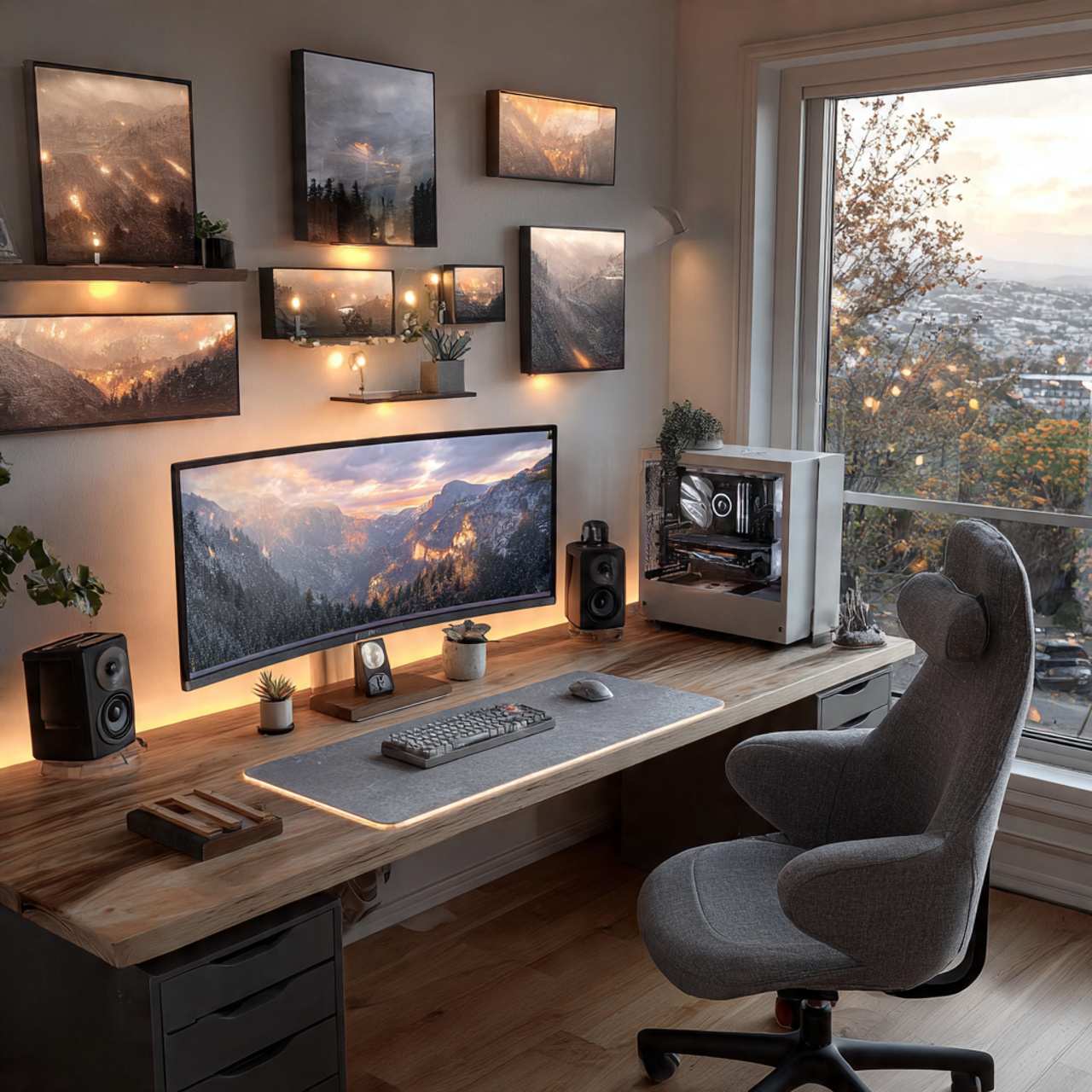
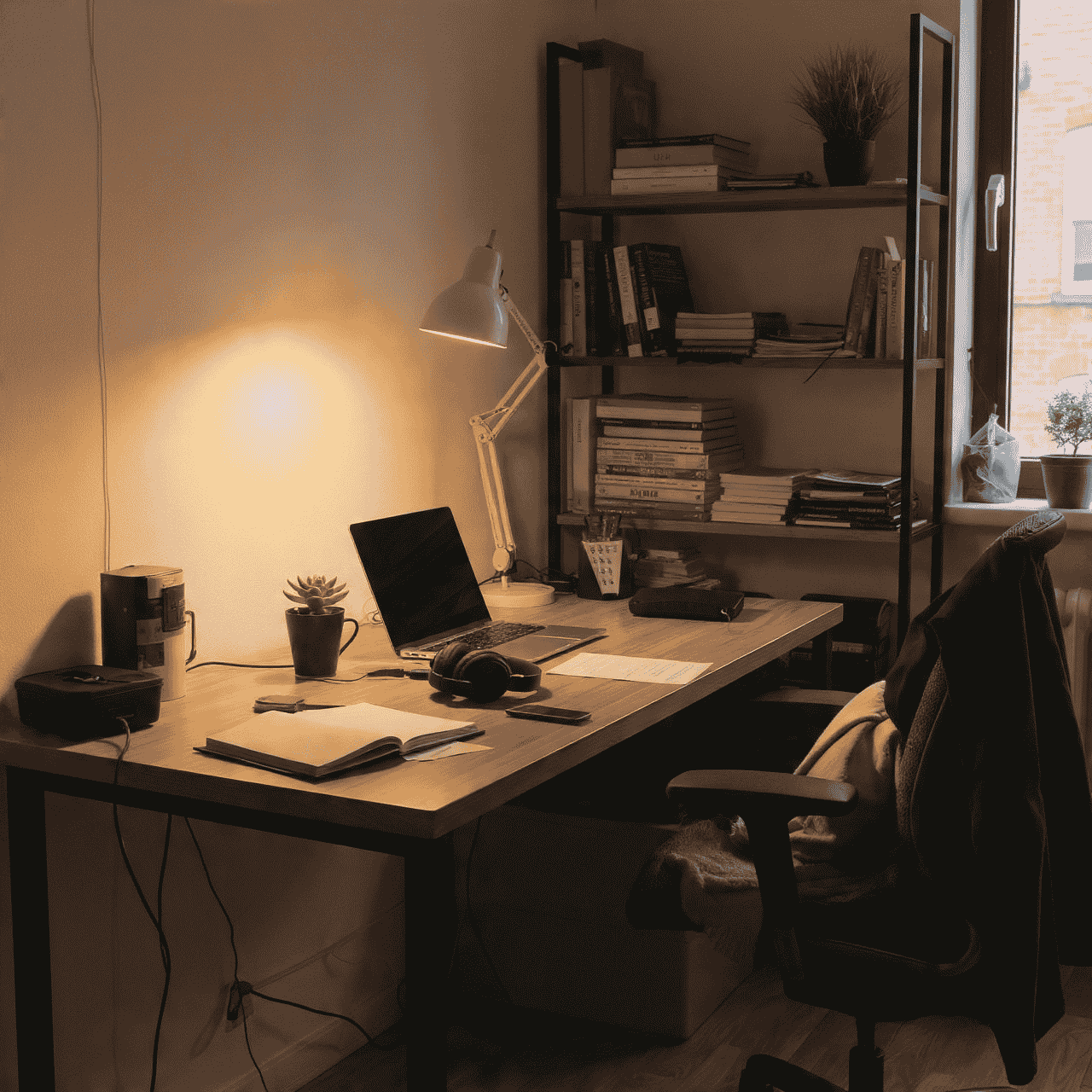
Soft light falls directly onto the table, creating a focused glow without harsh brightness. The workspace feels different depending on the time of day. It becomes more inviting, especially in the evening.
This works because lighting shapes how a space feels more than most people realize. Harsh or poorly placed light can cause strain, while softer, directed light improves comfort. I noticed my focus improved simply by adjusting light placement.
To apply this, position lighting so it highlights your main working area without casting shadows. Avoid overhead glare and focus on controlled, directional light. Let lighting support the task, not overpower it.
Tip: Adjust light angle instead of brightness for better comfort.
Minimal But Complete Office Table Design That Feels Finished Without Overstyling
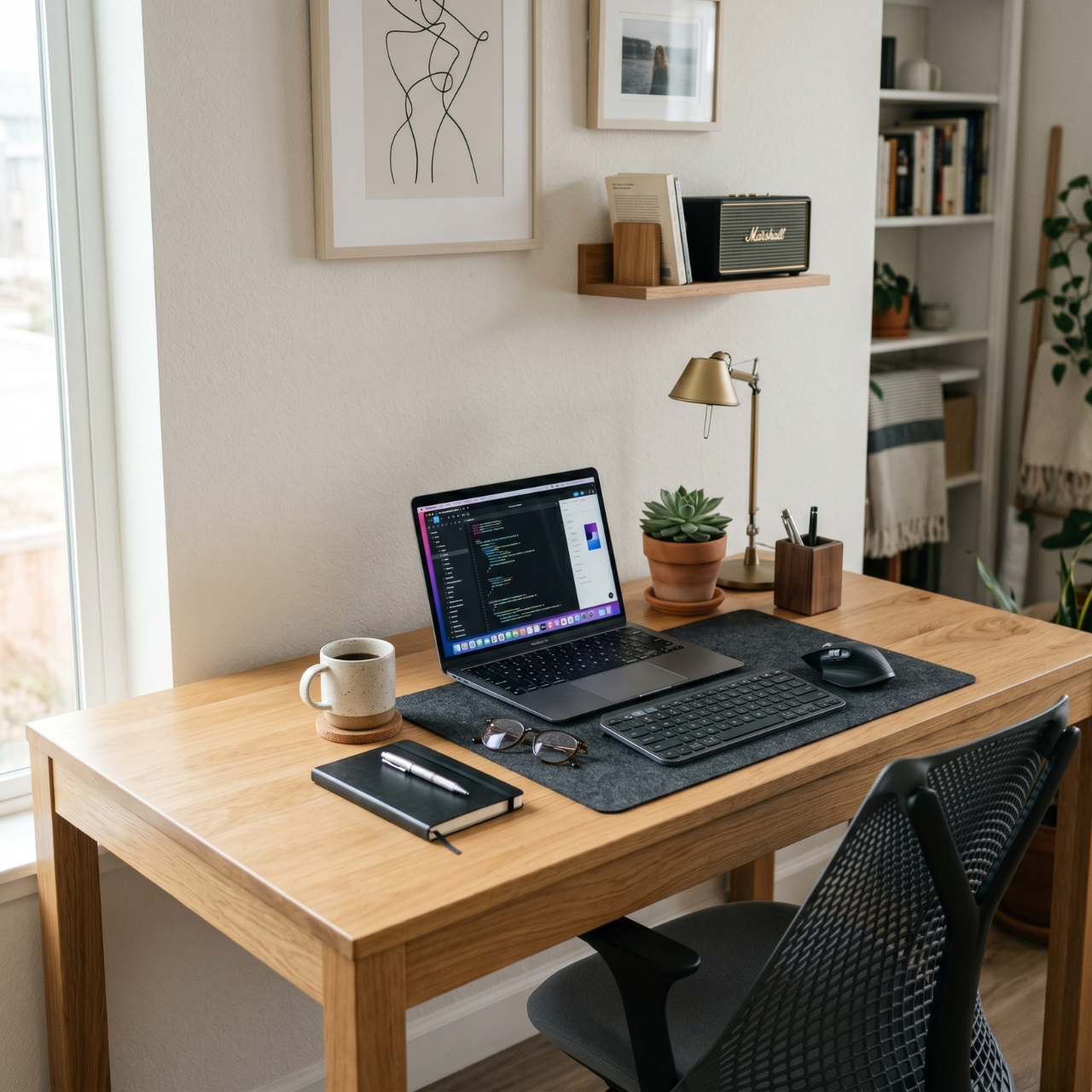
The table looks simple, yet nothing feels missing. Every item has a purpose, and the space feels quietly complete. It avoids both emptiness and clutter.
This works because true minimal setups are about balance, not reduction alone. Removing too much can make a space feel unfinished. In my experience, the right few elements create a stronger effect than many scattered ones.
To apply this, keep only essential items but ensure each one contributes visually or functionally. Avoid adding decor just to fill space. Let intention guide every choice.
Tip: If something does not serve a purpose, remove it.
Visit Also: Room Ideas
Adaptive Office Table Design That Evolves With Your Workflow Over Time
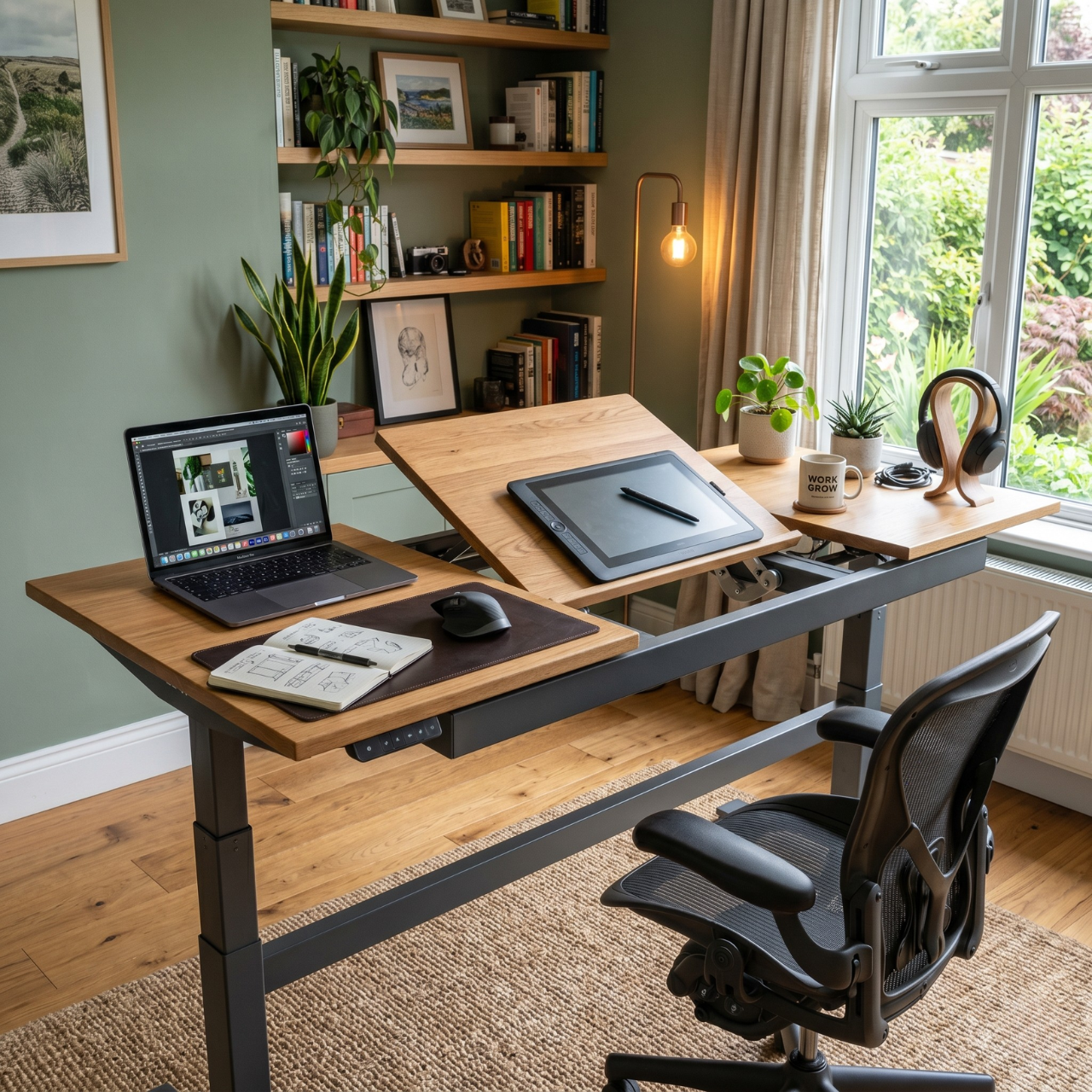
The setup changes subtly as your needs change. Small adjustments happen naturally, and the table continues to feel relevant. It never feels locked into one rigid arrangement.
This works because no workflow stays the same forever. Fixed setups often become frustrating over time. I have seen that flexible arrangements last longer and feel more comfortable in daily use.
To apply this, avoid overly fixed layouts or permanent placements. Keep elements movable so you can adjust as needed. Let your setup evolve with your routine instead of resisting it.
Tip: Rearrange one small element every few weeks to keep the setup aligned with your needs.
A Real Office Table Design Setup That Feels Calm and Naturally Balanced
Morning light falls softly across the table, highlighting the clean surface without any harsh glare. The edges feel open, nothing crowded or pushed too close together, and there is a quiet sense of order the moment you sit down. Even small details like the way shadows move across the surface make the space feel calm and easy to stay in.
The table is placed where movement feels natural, not forced against a wall or squeezed into a corner. Everything has a clear position, yet nothing feels rigid or overly arranged. It creates a space where you can focus without effort, and over time, it becomes a place you actually enjoy returning to instead of avoiding.
Color and Material Choices That Make Office Table Design Feel Warm and Refined
Warm White (#F5F3EF)
Works beautifully on walls or surrounding surfaces to keep the space bright without feeling harsh. It creates a calm, open mood and pairs especially well with natural wood and soft fabric textures.
Soft Greige (#D8D3CC)
Ideal for tabletops or nearby furniture where you want a neutral base that still feels warm. It brings a balanced, grounded mood and works well with matte finishes, stone elements, and subtle metal accents.
Natural Oak (#C8A97E)
Perfect for the table surface or shelving to introduce warmth and texture. It creates a welcoming and lived in feel while pairing naturally with linen, woven materials, and soft neutral tones.
Muted Charcoal (#3A3A3A)
Best used in small accents like legs, frames, or lighting details to add depth. It brings contrast without overpowering the space and works well with wood, glass, and brushed metal finishes.
Room Size and Lighting Guide for Office Table Design That Feels Comfortable All Day
Small Spaces That Need Breathing Room
Use lighter tones and keep the table visually open so the space does not feel tight. Layer soft lighting instead of relying on one harsh source to avoid heavy shadows.
Medium Rooms That Need Balance
Keep the table positioned where movement feels natural and not blocked by surrounding furniture. Combine natural light with a focused task light so the space feels even throughout the day.
Large Rooms That Can Feel Empty
Anchor the office table design with surrounding elements so it does not feel lost in the room. Add warm lighting zones to create a sense of comfort and avoid a cold, distant feel.
Low Natural Light Rooms
Use warm layered lighting to replace the softness of daylight and prevent eye strain. Avoid overly bright white light because it can make the space feel harsh and tiring.
Common Office Table Design Mistakes That Quietly Affect Focus
Overcrowding the Table Surface
This usually happens when everything feels important and nothing gets removed over time. The table becomes visually heavy and slowly starts affecting focus without being obvious.
Clear out anything that is not used daily and let empty space become part of the design. A lighter surface makes it easier to think and work.
Ignoring Visual Balance
Many setups grow randomly instead of being arranged with intention. This creates a space that feels slightly off even when everything seems functional.
Step back and adjust placement so the table feels visually stable. Small shifts can completely change how the space feels.
Relying on One Light Source
People often depend on a single overhead light without noticing how uneven it feels. This creates shadows, glare, and discomfort during longer work sessions.
Add a softer secondary light that focuses on the table surface. Balanced lighting makes the space easier on the eyes.
Locking the Setup Too Rigidly
Some setups are arranged once and never adjusted again. Over time, they stop matching how you actually work and begin to feel frustrating.
Keep your layout flexible so small changes can be made easily. A setup that evolves will always feel more comfortable to use.
Office Table Design FAQ for Real Home Setups
How do I make office table design look more clean and organized?
Start by reducing what is visible rather than trying to rearrange everything. A cleaner look usually comes from having fewer items in sight and giving each one a clear place. Once the surface feels lighter, the whole setup starts to look more intentional.
What is the best position for office table design in a room?
The best position is where movement feels natural and your view is not visually blocked. In many real setups, slight adjustments in angle or alignment make a bigger difference than moving the table across the room. Focus on comfort and flow instead of strict placement rules.
How can I improve focus with office table design?
Focus improves when the table feels visually calm and easy to use. Reducing clutter, balancing elements, and improving lighting all help your mind settle faster. In my experience, even small changes can noticeably reduce distraction.
Is minimal office table design better for productivity?
Minimal setups can work well, but only if they still feel complete. Removing too much can make the space feel empty and uncomfortable over time. The goal is balance, not strict minimalism.
How do I update office table design without spending much?
You can start by adjusting layout, removing unnecessary items, and improving lighting. Small changes like repositioning or simplifying often have a bigger impact than buying new furniture. Most improvements come from how the space is used, not how much is spent.
Final Thoughts on Choosing the Right Office Table Design for Your Space
Office table design works best when it supports how you naturally move, think, and spend time in your space. When the setup feels balanced and easy to use, even long work hours start to feel more manageable and less draining.
Instead of chasing a perfect look, focus on small adjustments that improve comfort and flow over time. A thoughtful office table design does not need to be complicated, it just needs to feel right for the way you actually live and work.